Set Up SSO
- Log in to the Manager Portal
- Select Profile under your name.
NOTE: Office Managers and above must select My Account under their name first
- Scroll down to Account Security and select the type of Single Sign-On you want to enable
- When prompted, enter your login credentials
- Once you’ve logged in, the Single Sign-On field will update to reflect the email address of your account
- You will need to enter your Current PBX Password to Save


Sign in with SSO
- Navigate to the Manager Portal
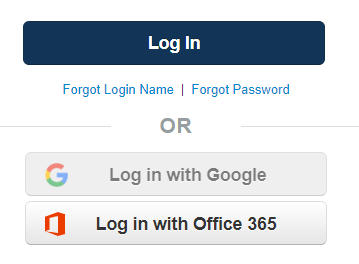
- Log in with either Google or Office 365
- After logging in, you should be directed to your home screen